Drag and drop an image here or browse
Supports JPG, PNG, SVG (max 10MB)
How to Change the Color of an Image
Changing image colors online has never been easier. With CreativeToolsLab’s free Image Color Changer, you can recolor PNGs, JPGs, and SVG graphics instantly. No need for Photoshop or complicated editors—just upload your file, select a color, and download the modified version in seconds.
- Open the editor and upload your photo (PNG, JPG, or SVG).
- Pick the source color you want to change and select a new color.
- Adjust the Color Range to include all shades or gradients.
- Preview, refine, and download instantly.
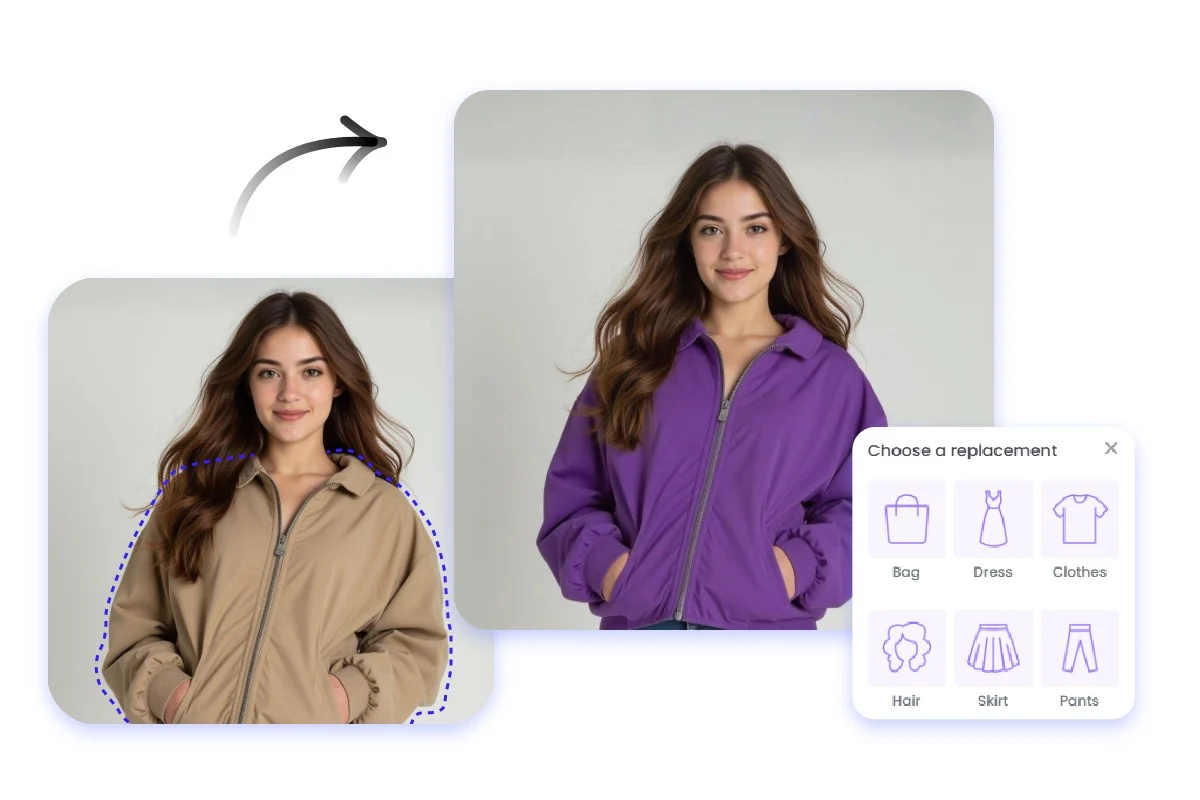
Intuitive Color Changes
Change image colors instantly with smart shade detection—no complex tools required.

Endless Possibilities
Modify logos, photos, or illustrations and create multiple color versions in seconds.

Precise Customization
Fine-tune gradient tolerance for perfect, natural-looking recolors across any image.
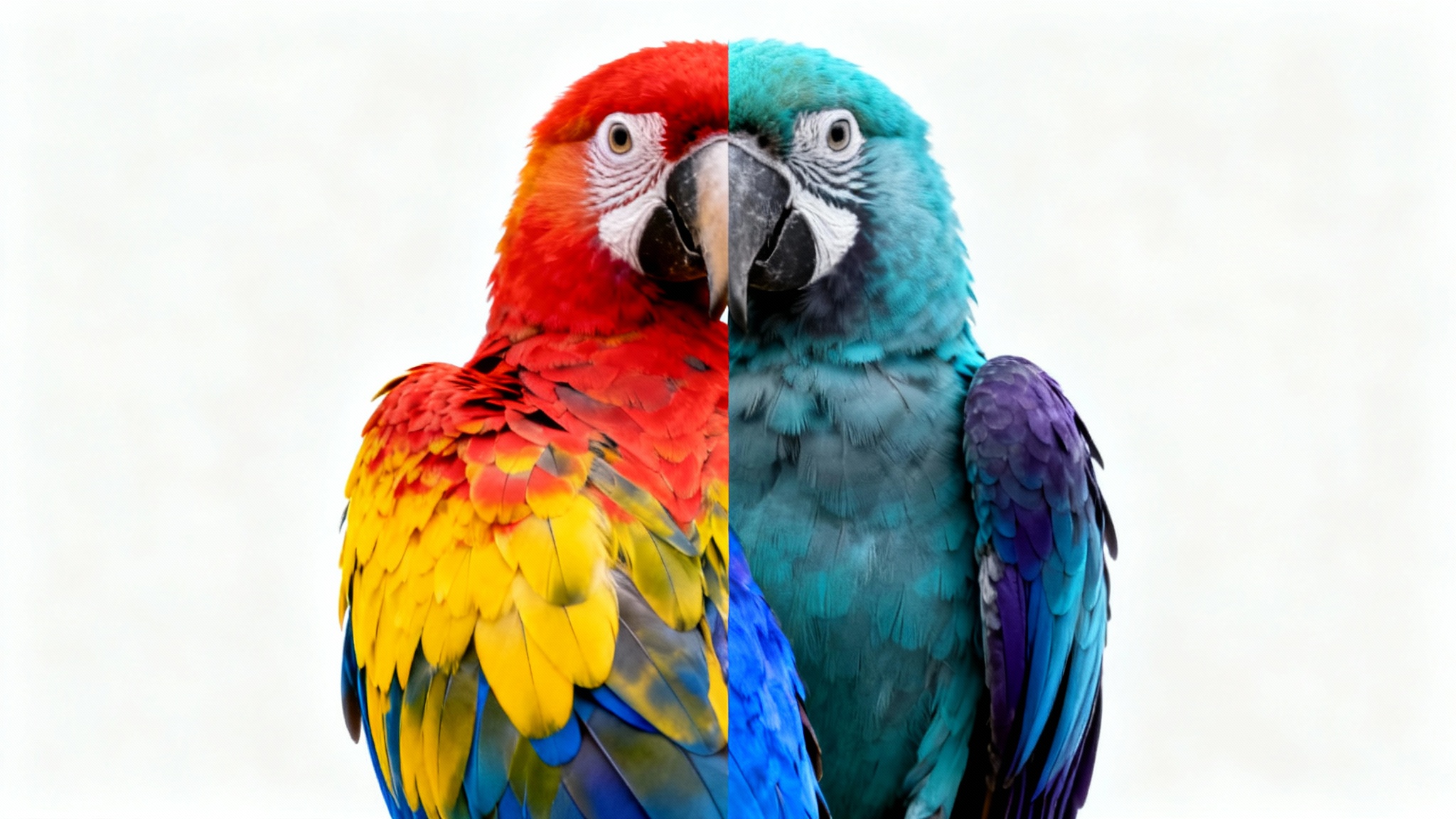
Add Color Effects Easily
Experiment with color trends or branding palettes. Instantly apply professional color transformations without Photoshop.
Change Image Color →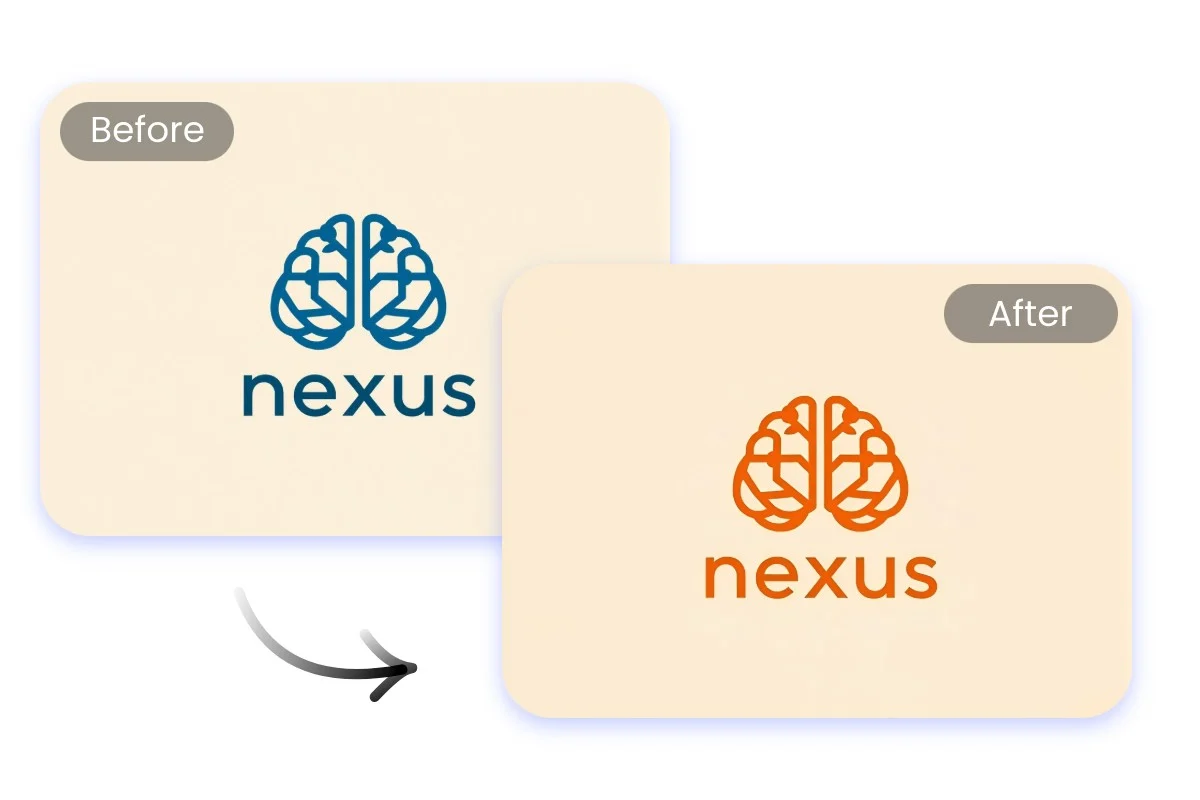
Build Brand Consistency
Use consistent colors across all creative assets. Recolor logos, icons, or product photos to maintain a unified visual identity.
Try Color Changer →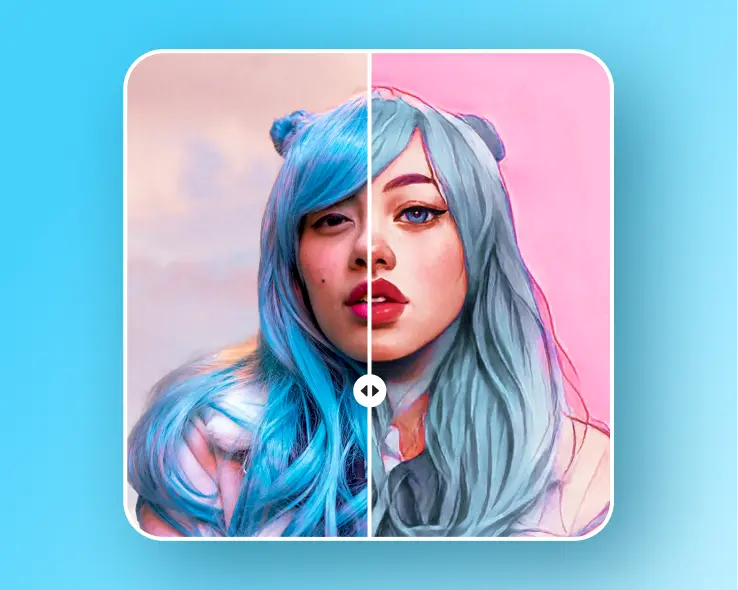
Customize & Export Effortlessly
Fine-tune every color and download instantly as PNG, JPG, WebP, or SVG—all within your browser.
Edit Now →Why Use an Online Image Color Changer?
Traditional design software like Photoshop requires installation, logins, and paid licenses. Our free online Image Color Changer offers the same precision directly in your browser—no downloads, no data collection, and no limitations. It’s ideal for designers, marketers, and developers who need quick color adjustments for assets like icons, mockups, illustrations, or product photos.
Whether you’re testing brand colors, creating variants for an eCommerce catalog, or tweaking UI icons for dark mode, this lightweight color replacement tool gives you full control without any friction.
Tips for Better Recoloring Results
- Use high-resolution images to maintain sharp edges during recoloring.
- For simple graphics or logos, set a lower color range (5–15) for accurate swaps.
- For photos or gradients, increase range (15–30) to include nearby tones.
- SVG users: upload clean vector files with defined fills and strokes.
- Always preview before downloading to ensure color consistency.
Image Color Changer FAQ
Is the Image Color Changer free?
Yes. CreativeToolsLab’s Image Color Changer is completely free to use and runs locally in your browser. There are no hidden costs, ads interruptions, or login requirements.
Can I change the color of PNG, JPG, or SVG images?
Yes. The tool supports PNG, JPG/JPEG, and SVG formats. It preserves PNG transparency, keeps JPG quality intact, and allows SVG color replacement for fills and strokes.
Will my images be uploaded or stored anywhere?
No. Your images never leave your device. The entire color-replacement process runs directly in your browser using JavaScript, ensuring complete privacy.
Can I change multiple colors at once?
Yes. You can add multiple color pairs and replace several colors in the same image — ideal for icons, illustrations, or product mockups that use more than one shade.
Does the Image Color Changer work with gradients or shadows?
Yes. By adjusting the Color Range slider, the tool automatically includes nearby tones and gradients for smooth and natural-looking recolors.
Will this tool affect image quality?
No. The original resolution is maintained, and you’ll get a high-quality PNG, JPG, or SVG output identical in size and clarity to your source file.
Can I use it on mobile?
Yes. The Image Color Changer is fully responsive and works on mobile browsers like Chrome, Safari, and Edge. Simply upload a photo and recolor it right from your phone.
What’s the maximum file size I can upload?
You can upload images up to 10 MB. For faster processing, smaller files (under 5 MB) are recommended, but larger images are supported as well.
Does it support transparency in PNGs?
Yes. Transparent areas remain untouched. Only the chosen color regions are replaced, so your image edges and transparent zones stay clean.
Can I download the edited image in a different format?
Yes. After recoloring, you can export your result as PNG, JPG, WebP, or SVG depending on your source file and desired format.